
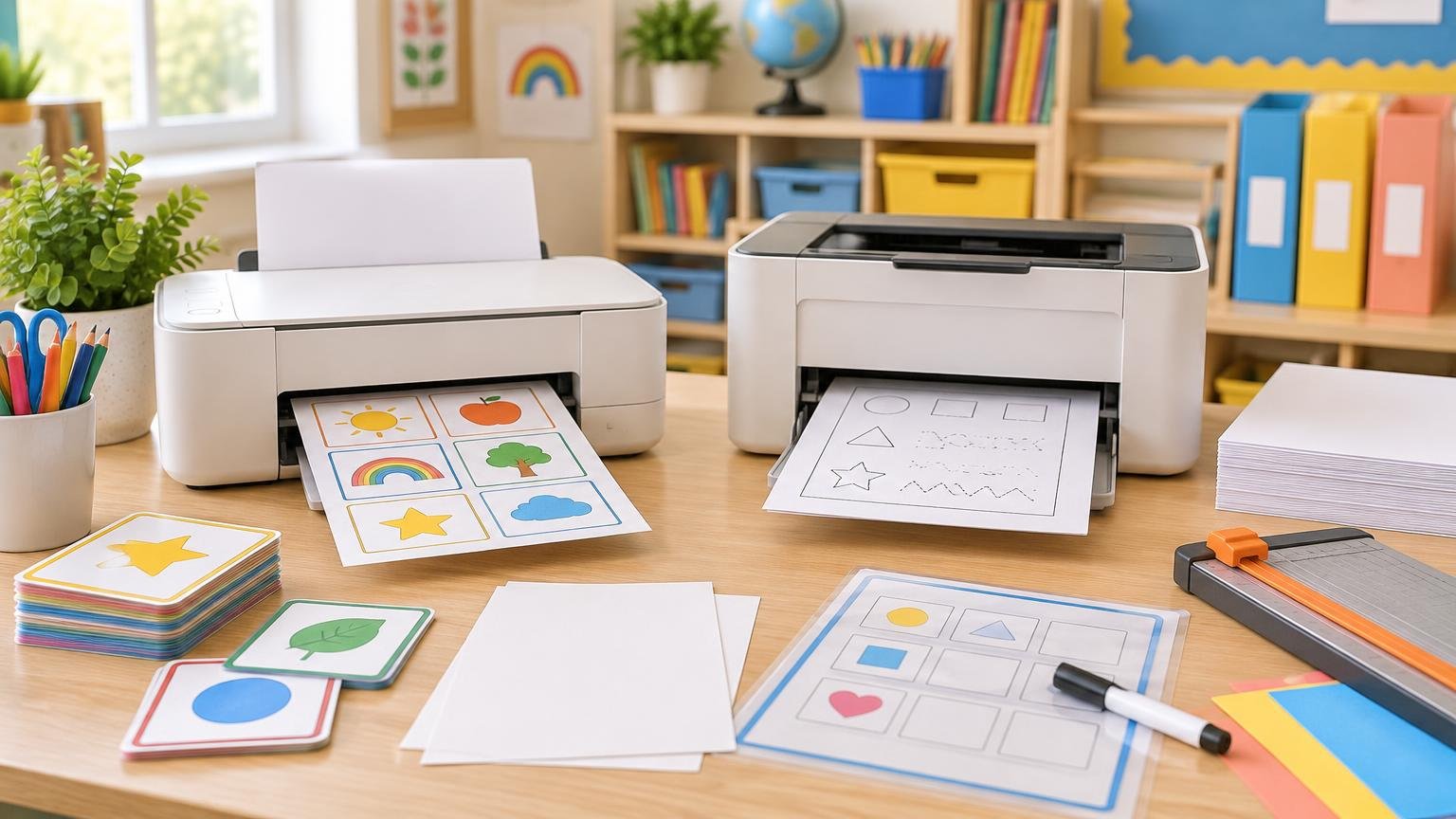
For most teachers, the best printer depends on what fills the output tray. A monochrome laser printer is usually the stronger fit for frequent black-and-white worksheets, lesson plans, forms, and substitute packets. A color tank inkjet is often more versatile for task cards, visual aids, maps, labels, and classroom displays—provided it is used regularly and supports the paper you need.
Do not reduce the choice to “inkjet means color” and “laser means black and white.” Laser printers are available in both monochrome and color versions, and inkjets range from basic document machines to photo-focused models. The useful comparison is between specific printers, their supply systems, and your typical classroom workload.
Inkjet vs laser at a glance
| Classroom need | Usually the better starting point | What to verify |
|---|---|---|
| Large batches of black-and-white worksheets | Monochrome laser | Print speed, first-page time, toner yield and duplex support |
| Color task cards and visual materials | Color tank inkjet or color laser | Supply yield, color speed and media compatibility |
| Photo-heavy displays or student portfolios | Photo-capable inkjet | Ink set, supported photo paper and borderless options |
| Occasional printing with long school-break dormancy | Laser | Consumable age, storage guidance and startup behavior |
| Cardstock, labels and center pieces | Either technology | Maximum media weight, feed path, capacity and duplex restrictions |
| Two-sided packets on plain paper | Either model with automatic duplexing | Approved paper sizes and stock for the duplex path |
Color, text and photos are separate decisions
Both technologies can produce ordinary document text well. Epson says its ET-3850 tank inkjet uses pigment black ink for sharp text, while Brother lists resolution up to 1200 × 1200 dpi for its HL-L2480DW monochrome laser. Those specifications show that capable document models exist in both categories; they do not establish a universal text-quality winner.
Start by counting how much color is genuinely necessary. If most pages are worksheets with a colored heading that children will write on, compare the ongoing cost and speed of color output carefully. If nearly everything is black text and line art, paying for color hardware and multiple color supplies may add complexity without improving the material.
Photo printing is another category. Canon’s PIXMA PRO-200, for example, is a dye-based inkjet designed with photo-oriented features such as borderless and grayscale printing. That does not make every inkjet a photo printer. Teachers who print student photos, art reproductions, or portfolio pages should look for a photo-capable model rather than relying on the inkjet label alone.
Color laser printers can also handle more than office paper. HP lists brochure, glossy, photo, and cardstock media for one Color LaserJet model, illustrating why the exact media specifications matter more than a blanket rule about the technology.
Cardstock handling can decide the purchase
Task cards, flash cards, game pieces, labels, and display elements often expose a printer’s limitations faster than ordinary worksheets. Check the approved media type, maximum paper weight, required feed path, loading capacity, and whether the stock can be duplexed. The material guidance in our paper comparison for classroom flash cards can help you decide whether you need copy paper, cardstock, or laminated cards before choosing a printer.
Feed path matters because a printer may accept heavier material only through a manual slot. Brother lists a 16–43 lb bond range for the HL-L2480DW’s standard tray but a 16–61 lb bond range for its single-sheet manual-feed slot, which also accepts thick paper and labels. That means a compatible sheet may still have to be fed one at a time.
Capacity can also drop sharply for specialty media. Epson lists a 250-sheet plain-paper capacity for the ET-3850 but only 20 sheets for several photo-paper types, with one-at-a-time loading advised if feeding becomes uneven or smeared. A printer that handles a material is not necessarily convenient for producing 100 classroom cards on it.
Duplex printing needs a closer look
Automatic two-sided printing is valuable for packets, but the word “duplex” does not tell you which paper can travel through that path. The ET-3850 guide limits automatic duplexing to Letter or A4 plain paper, copier paper, or letterhead. Brother lists automatic duplexing for Letter, Legal, and Folio paper on the HL-L2480DW while providing separate media and weight limits for its tray and manual feed.
Before buying, find the manual and check three things: whether duplexing is automatic, which page sizes qualify, and whether your intended paper is approved. Expect to print one side and manually reload the sheets when producing two-sided cards on unsupported stock.
Speed matters most during batch printing
Laser printers are commonly attractive for high-volume monochrome work, but compare published figures rather than relying on the category name. Brother rates the monochrome HL-L2480DW at up to 36 pages per minute and under 8.5 seconds to the first page from ready. Epson lists the color ET-3850 at 10 ISO ppm for black and 5 ISO ppm for color. These are model-specific examples, not universal laser and inkjet speeds.
The ISO/IEC 24734 printing-productivity standard provides a common method for measuring inkjet and laser output. Even standardized page-per-minute figures will not perfectly predict a classroom job: color content, duplexing, page complexity, paper choice, warm-up behavior, and first-page time can all affect the wait.
Think in batches. A teacher printing five activity sheets at a time may care more about first-page behavior than maximum speed. Someone producing weekly packets for several classes benefits more from a fast engine, a large tray, dependable duplexing, and an output area that can hold the full job.
Compare total supply cost, not cartridge price
Estimate cost from your own mix of black pages, color pages, and specialty projects. Record the printer price, replacement ink or toner price, standardized yield, starter-supply yield, and any separate long-life components. Laser printers may use separate drums or eventual service parts; inkjets can consume some ink during setup and maintenance.
Yield numbers are comparison tools rather than promises. The ISO/IEC 24711 inkjet-yield method standardizes color-inkjet cartridge testing, but real output changes with images, settings, color use, environmental conditions, and maintenance. Epson, for example, lists replacement-bottle yields of 7,500 black and 6,000 color pages for the ET-3850 while expressly noting several factors that can alter actual output.
A simple comparison is to divide the current supply price by its stated yield, then adjust for supplies that must be replaced separately. Use that result as a planning estimate, not an exact cost for every worksheet. Also count preparation time: repeatedly feeding cardstock or waiting for a slow color batch has a real classroom cost even when the consumables look inexpensive.
Maintenance and school breaks favor different workflows
Inkjet owners should plan for dormancy. Epson documentation warns that nozzles can clog after extended nonuse, recommends regular printing in one support guide, and notes that print-head cleaning consumes ink. A printer left unused over a long break may need a nozzle check and cleaning before the first large job. This does not mean every inkjet will clog after a fixed number of idle days.
Laser printers avoid inkjet nozzle cleaning, but they are not maintenance-free. Toner and drums are consumables, and applicable models can eventually require components such as fusers or pickup assemblies. A laser printer is therefore appealing for intermittent black-and-white work, while a tank inkjet makes more sense when its color capability will be used often enough to justify routine attention.
Do not assume one technology always uses less electricity. ENERGY STAR evaluates different product categories under different criteria and recommends checking model-level information, retaining sleep settings, and using double-sided printing where appropriate. Its printer efficiency guidance is more useful than a technology-wide guess.
The practical choice for a teacher
Choose a monochrome laser printer when your workload is dominated by black-and-white worksheets, forms, lesson materials, and packet printing—especially if the machine may sit unused during breaks. Choose a color tank inkjet when color visuals, task cards, labels, maps, and display pieces are regular parts of your preparation and you can keep the printer in routine use.
Consider a color laser when you need both color and substantial document volume, but check its purchase price, color-supply costs, physical size, and cardstock path carefully. Whichever technology you choose, read the manual before buying. The decisive specifications are not the words “inkjet” or “laser”; they are the supported paper, duplex restrictions, realistic batch speed, supply model, and maintenance routine that fit your classroom.
Frequently Asked Questions
Can a classroom printer automatically duplex cardstock?
Not necessarily. Automatic duplexing may be limited to plain paper and specific sizes, even when the printer accepts cardstock through another feed path. Check the manual for approved stock, weight, size, and duplex restrictions.
Is an inkjet suitable if it sits unused over summer break?
It can be, but plan for a nozzle check and possible cleaning before a large job. Epson warns that extended nonuse can clog nozzles and that cleaning consumes ink; this does not establish a fixed idle period after which every inkjet will clog.
Is a color laser printer the best of both worlds for teachers?
It can suit teachers who need color plus substantial document volume, but it is not an automatic winner. Compare the purchase price, color-supply model, physical size, cardstock feed path, and supported media for the exact printer. Some color laser models support cardstock and glossy or photo media, but capabilities vary.
References
- HL-L2480DW Wireless Monochrome Laser Multi-Function Printer | Brother
- EcoTank ET-3850 Wireless Color All-in-One Cartridge-Free Supertank Printer with Scanner, Copier, ADF and Ethernet | Products | Epson US
- Canon Support for PIXMA PRO-200 | Canon U.S.A., Inc.
- Datasheet | NA
- HL-L2480dw
Convenient functionality, dependable bl - Paper Loading Capacity
- User's Guide – ET-3850U
- ISO/IEC 24734:2021 – Information technology — Office equipment — Method for measuring digital printing productivity
- How do I clear the message 'Replace Drum'?
- ISO/IEC 24711:2021 – Information technology — Office equipment — Method for the determination of ink cartridge yield for colour inkjet printers and multi-function devices that contain printer components
- • If an error occurs and the printer is turned off without first resolving the error, the print head may not be in the home position, which may cause the print head to dry out. In this case, turn on the power and wait until the carriage is in the home position.
- Imaging Equipment | ENERGY STAR
- Imaging Equipment Key Product Criteria | ENERGY STAR